
Daily activity
See pickups, returns, and recent bookings from the command center.
Use available dashboards and reports to understand revenue, rental activity, and inventory use—with the right context for each figure.
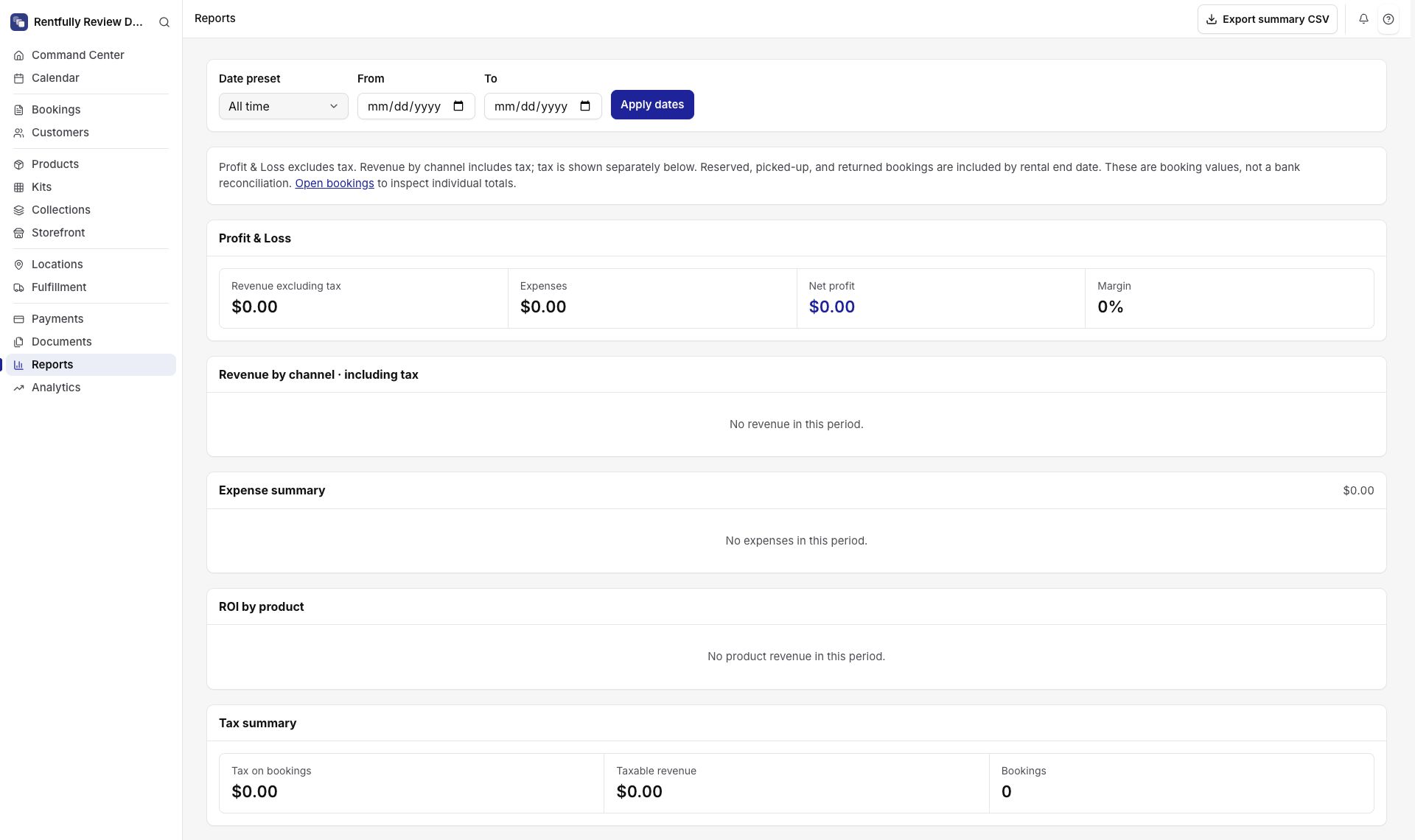
The Rentfully admin includes dashboard indicators, analytics views, reports, and exports for rental activity. These are useful operating signals, not a replacement for financial accounting.
See pickups, returns, and recent bookings from the command center.
Review available analytics panels for sales and order activity.
Use product and stock views to understand activity and potential shortages.
Open supported report views and export available data for deeper analysis.
A shop owner sees a busier month in the dashboard and uses the booking and product records to understand which rentals drove it.
Review the work going out and coming back.
Compare booking, revenue, and product activity.
Use underlying records and exports before making financial decisions.
The Rentfully admin includes dashboard indicators, analytics views, reports, and exports for rental activity. These are useful operating signals, not a replacement for financial accounting.
Explore rental industriesSome utilization figures are estimates. Reports help you review rental activity and do not replace your accounting system or audited financial statements.
Supported reports and tenant-scoped exports are available. Confirm the exact fields needed for a particular downstream process.
Not in every scenario. Some current calculations are approximations and should be read as operating signals.
Start with your own stock and see how the workflow fits during a 14-day trial.